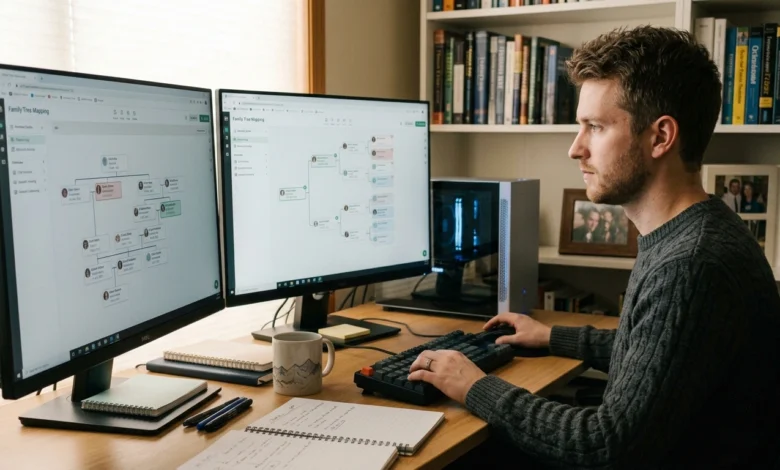
Building a family tree can quickly become difficult when names, dates, relationships, photographs, documents, and research notes start accumulating. Family tree maker software provides a structured way to record this information, connect relatives across generations, and keep family-history research organized in one place.
The right software can help users start with known relatives, expand the tree generation by generation, check relationships, attach supporting records, and preserve the information for future research.
Table of Contents
What Family Tree Maker Software Does for Your Family History
Family tree maker software is designed to organize genealogical information into connected family relationships. Instead of keeping names and dates in separate documents or spreadsheets, users can create profiles for relatives and connect parents, children, spouses, and other relationships within a single family tree.
Depending on the program, users may also be able to store:
- Birth, marriage, and death information
- Locations and important life events
- Family photographs
- Historical documents
- Research notes
- Sources and citations
- Relationship information
- Family tree charts and reports
A useful family tree program should make it easy to move between individual records and the larger family structure. This becomes especially important as the tree expands across multiple generations.
How to Build a Family Tree With Family Tree Software
The easiest way to begin is with information that can be verified rather than trying to reconstruct an entire family history at once.
Start With Known Family Members
Begin with yourself or another relative whose information is already known. Add basic details such as the person’s full name, date of birth, and place of birth where available.
Then work backward through parents and grandparents or forward through children and grandchildren.
Starting with reliable information creates a foundation that can be checked as additional records are discovered.
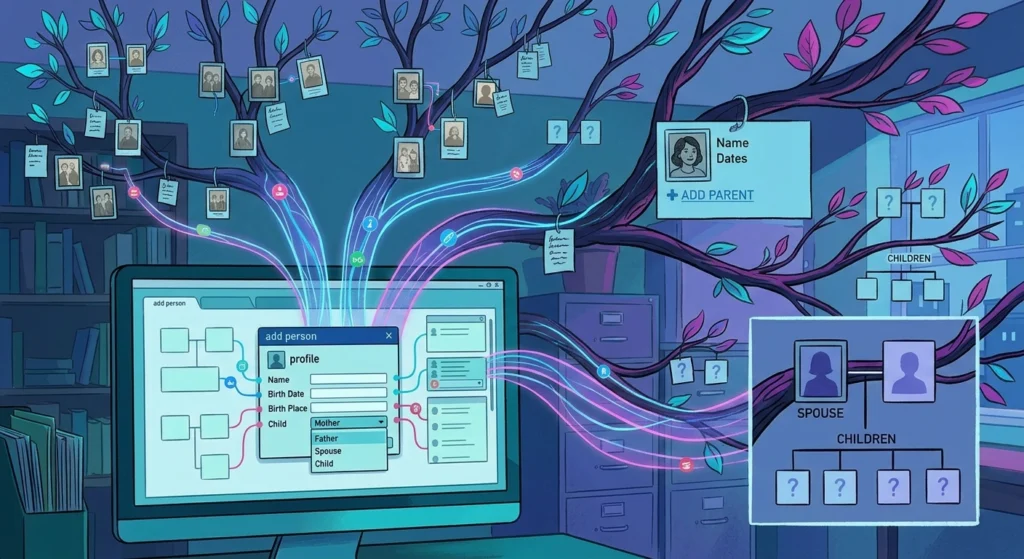
Add Parents, Children, and Spouses
After creating an individual profile, connect the person’s immediate family members.
Common relationships include:
- Mother and father
- Sons and daughters
- Spouse or partner
- Siblings
- Grandparents
- Great-grandparents
The software should display these relationships within the tree so that users can see how individual records connect.
When adding a relationship, it is important to distinguish between confirmed information and details that still require research. This helps prevent an incorrect relationship from affecting several generations of the tree.
Record Dates, Places, and Family Details
Names alone are rarely enough to distinguish relatives with similar identities. Adding dates and locations makes individual records easier to identify and compare.
Useful information can include:
- Birth and death dates
- Birthplaces
- Marriage dates and locations
- Residence locations
- Occupations
- Military service
- Immigration details
- Other documented life events
Not every record needs to contain the same amount of information. The goal is to record information that can be supported by reliable sources.
For readers researching software version management, updates, compatibility, and safe installation practices, the New Software Versions LCFTechMods guide explains how to compare releases, protect existing settings, and troubleshoot update-related problems.
Review Relationships Before Expanding the Tree
Before adding another generation, review the relationships already entered.
Check whether:
- Parents are connected to the correct children
- Spouses are assigned to the correct individuals
- Dates are consistent
- Locations match the available records
- Duplicate profiles have been created
- Important relationships still need supporting evidence
This simple review can prevent errors from spreading throughout a large family tree.
How to Organize Names, Records, Photos, and Research Notes
A growing family tree can contain hundreds or thousands of individual details. Organization therefore becomes just as important as adding new relatives.
Use consistent names and dates where possible, and keep research notes attached to the relevant person or event. Photographs and documents should also be associated with the correct family member instead of being stored without context.
For example, a marriage certificate can be connected to the relevant marriage event, while a historical photograph can be attached to the people shown in it.
Research notes can be used to record:
- Where information was found
- Which records still need to be checked
- Conflicting dates or names
- Possible family relationships
- Questions about a particular ancestor
This approach makes it easier to return to unfinished research without having to reconstruct the reasoning behind earlier findings.
How to Add Sources and Verify Family Relationships
A family tree becomes more useful when important claims can be traced back to supporting records.
Sources may include birth certificates, marriage records, census records, death certificates, obituaries, immigration documents, military records, newspapers, photographs, and other historical material.
When two records provide different information, do not automatically choose one and discard the other. Record the discrepancy and investigate the original sources when possible.
Common problems include:
- Different spellings of the same name
- Incorrect birth dates
- Multiple people with the same name
- Missing parent information
- Conflicting marriage records
- Unverified family stories
- Duplicate profiles
Family tree software can organize this information, but the accuracy of the finished tree still depends on the quality of the research behind it.
Importing, Exporting, and Backing Up Family Tree Data
Data portability is an important consideration when choosing family tree software. A genealogy project can represent years of research, so users should understand how the program stores and exports their information.
GEDCOM is commonly used for exchanging genealogical data between compatible programs. A GEDCOM file can contain family relationships and other genealogical information, although the way individual programs handle specific data may differ.
Before moving a tree to another program, create a backup of the original project. Keep copies in more than one location when possible.
A practical backup routine can include:
- Save the current family tree project.
- Create an export or backup copy.
- Store a copy on a separate device or secure storage location.
- Keep important photographs and original documents separately backed up.
- Check exported files before deleting the original project.
Backing up regularly reduces the risk of losing years of family-history research because of hardware failure, accidental deletion, or a corrupted project file.
How to Print, Share, or Present a Completed Family Tree
Once a family tree has been researched and reviewed, users may want to turn the information into something that can be shared with relatives.
Depending on the software, output options may include family tree charts, ancestor reports, descendant reports, family group sheets, or other printable formats.
A chart can provide a quick visual representation of relationships, while detailed reports can preserve additional information about individual family members.
Before printing a large tree, check the layout carefully. A tree containing several generations may require a large page size or multiple pages to remain readable.
For family sharing, it can also be useful to separate the visual family tree from detailed research records. A simple chart may be easier for relatives to understand, while the underlying records and source information can be retained for future research.
How to Choose Family Tree Software for a Growing Family Tree
The best family tree software depends on how the family-history project will be researched, stored, and shared.
Consider these factors before choosing a program:
| Requirement | What to look for |
|---|---|
| Large family tree | Reliable relationship and person management |
| Historical research | Source, citation, and research-note support |
| Photos and documents | Media and document attachments |
| Data transfer | Import and export options |
| Long-term research | Regular backup and data-management options |
| Printed family trees | Charts, reports, and flexible layouts |
| Multiple generations | Clear ancestor and descendant views |
| Ongoing corrections | Easy editing of people and relationships |
For a small family project, straightforward data entry and clear tree navigation may be the highest priorities. A larger genealogy project may require stronger source management, backup options, media organization, and data portability.
It is also worth checking the software’s supported operating system, storage method, update policy, and compatibility with existing genealogy files before moving an established family tree.
FAQs
What is family tree maker software?
This is a genealogy program used to create and manage connected records about relatives and family relationships. It can help organize names, dates, locations, sources, photographs, documents, and research notes.
What is the difference between a family tree maker and family tree software?
The terms are often used interchangeably. Both generally refer to software that helps users build, view, edit, and maintain genealogical family trees. Specific features vary between programs.
Can family tree software store photos and documents?
Many genealogy programs provide ways to associate photographs and documents with individual people or events. The available file types, storage limits, and organization features depend on the specific software.
Can family tree data be transferred to another program?
It may be possible when both programs support compatible genealogy data formats. GEDCOM is commonly used for transferring genealogical information, although some program-specific information may not transfer exactly.
What is a GEDCOM file used for in genealogy?
A GEDCOM file is used to exchange genealogical information between compatible genealogy applications. It can help users move family relationships and related data from one program to another.
How do you start a family tree with software?
Start with yourself or a relative whose information is known, enter the available details, and then add parents, children, spouses, and earlier generations. Verify each relationship with reliable records as the tree expands.
Conclusion
Family tree maker software can turn scattered family-history information into an organized, searchable family tree. The most useful choice depends on the size of the project, the type of records being researched, the need for photographs and documents, data-transfer requirements, backup options, and the way the finished family tree will be shared or printed.