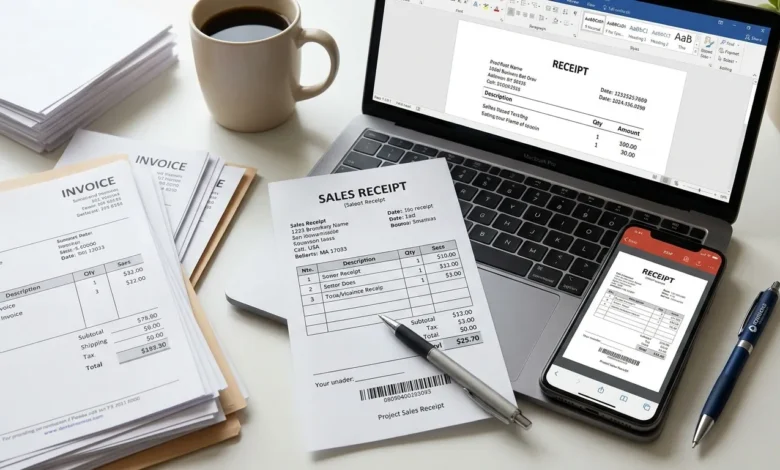
A receipt template is a ready-made layout you fill in to confirm a payment was received no design work, no starting from a blank page. Below you’ll find three copy-paste templates (simple, business/sales, and cash), a breakdown of which file format actually works best, and when a template makes more sense than a receipt maker tool.
Table of Contents
Key Takeaways
- A receipt template only needs a handful of core fields to be valid see the checklist below.
- Simple, business, and cash templates each fit a different use case; using the wrong one adds unnecessary clutter.
- Word, Excel, and PDF each have real trade-offs none of them is universally “best.”
- A template works for one-off receipts; a receipt maker is faster if you’re issuing receipts regularly.
What Should a Receipt Template Include?
At minimum, every receipt needs: the seller’s name, the date, a description of what was paid for, the amount, and the payment method. That’s enough to make a receipt valid for most everyday use.
For a full breakdown of every possible field including tax details, receipt numbers, and what’s legally required in different situations see our complete Payment Receipt guide. This article focuses specifically on ready-to-use templates rather than repeating that field-by-field explanation.
Simple Receipt Template (Free, Copy-Paste Format)
This is the fastest option when you just need to confirm a payment was made no software required. Copy the text below and fill in your own details:
RECEIPT

From: [Your Name / Business Name]
To: [Customer Name]
Date: [MM/DD/YYYY]
Receipt #: [Number]

Payment for: [Brief description]
Amount received: $[Amount]
Payment method: [Cash / Card / Bank Transfer]

Thank you for your payment.
This simple receipt template works well for freelancers, informal sales, or anytime a full invoice-style document would be overkill.
Business/Sales Receipt Template (With Line Items)
For sales involving multiple items, a line-item table makes the receipt easier to read and keeps a clean record for both sides:
SALES RECEIPT

[Business Name]
[Business Address]
[Phone / Email]

Receipt #: [Number]          Date: [MM/DD/YYYY]
Customer: [Customer Name]

--------------------------------------------------
Item                  Qty       Price      Total
--------------------------------------------------
[Item 1]                1      $[Price]   $[Total]
[Item 2]                2      $[Price]   $[Total]
--------------------------------------------------
Subtotal:                                 $[Amount]
Tax:                                      $[Amount]
Total Paid:                               $[Amount]

Payment method: [Cash / Card / Bank Transfer]
This business receipt template is the right choice for retail sales, multi-item purchases, or any transaction where a single-line description isn’t enough detail.
Cash Receipt Template (Minimal Format)
Cash transactions typically need less documentation than card or bank payments, since there’s no processor record to fall back on. Keep it short and specific:
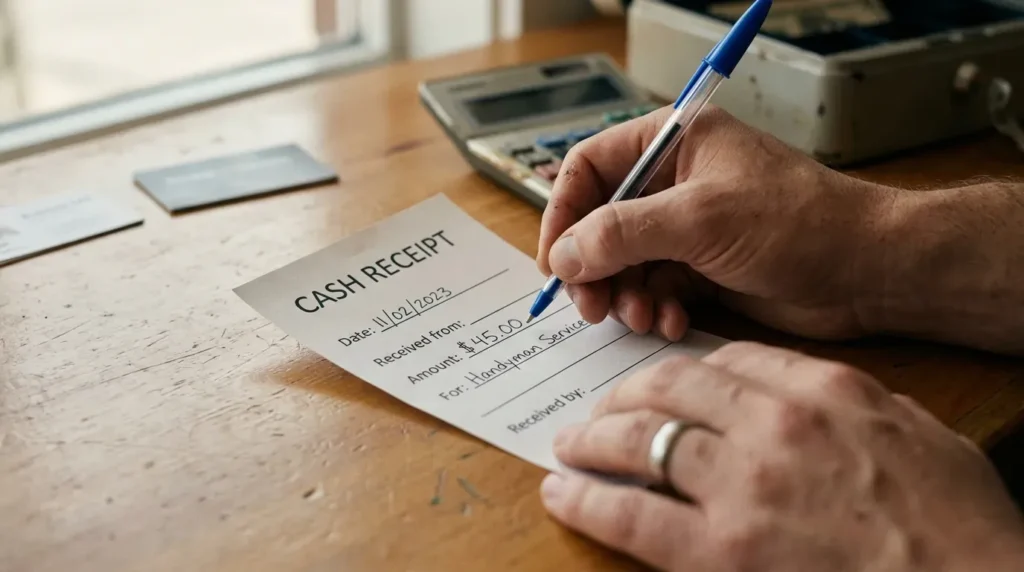
CASH RECEIPT

Received from: [Payer Name]
Amount: $[Amount]
For: [Reason for payment]
Date: [MM/DD/YYYY]
Received by: [Your Name / Signature]
Because cash payments leave no digital trail, this template puts extra weight on the signature and date fields — these are what make the receipt credible if the payment is ever questioned later.
Receipt Template vs. Receipt Maker: Which Should You Use?
This is the real decision most people are actually trying to make, and it depends entirely on how often you’re issuing receipts.
| Header Lable | Receipt Template | Receipt Maker |
|---|---|---|
| Best for | One-off or occasional receipts | Regular or recurring receipts |
| Setup time | None copy and fill in | Slightly more upfront (enter business details once) |
| Formatting | Manual you adjust spacing/alignment yourself | Automatic consistent every time |
| Calculations (tax, totals) | Manual | Automatic |
| Numbering/tracking | Manual, easy to lose track | Sequential, tracked automatically |
| Editing later | Requires manually re-opening the file | Usually stored and searchable |
The practical rule: if you’re issuing a handful of receipts a month, a template is faster and simpler. If you’re issuing receipts weekly or need consistent numbering and calculations, a receipt maker saves more time than it costs to set up.
Receipt Template for Word vs. Excel vs. PDF Which Format Actually Works Best?
Each format has real, practical limitations here’s an honest comparison instead of a generic “it depends”:
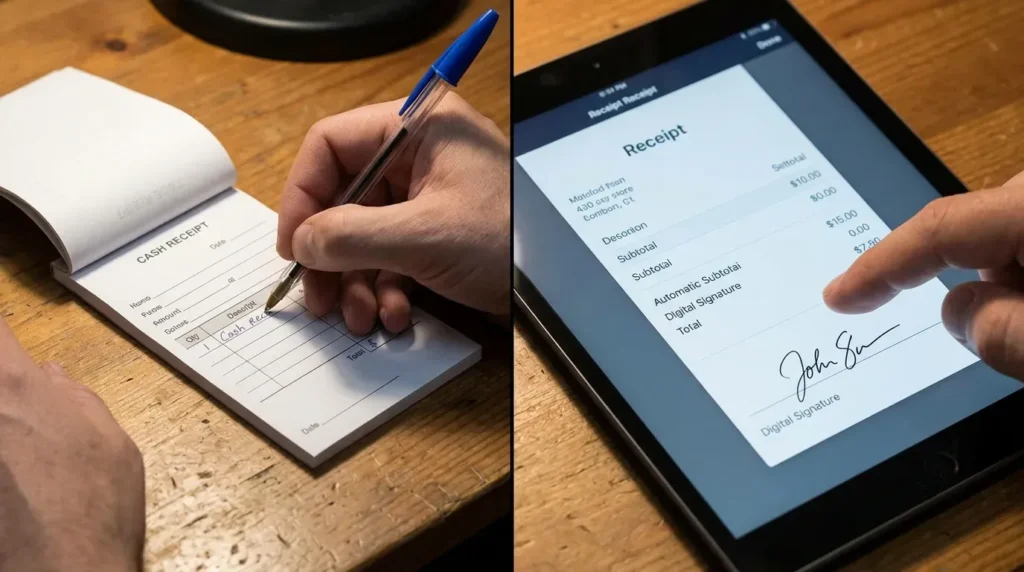
Word (.docx) Best for text-heavy, simple receipts you’ll edit by hand each time. Easy to customize fonts and layout, but calculations (tax, totals) have to be done manually Word won’t do the math for you.
Excel (.xlsx) Best when you need built-in calculations subtotals, tax, and totals update automatically with formulas. The tradeoff is that formatting looks more “spreadsheet” than “document” unless you spend time styling it, and it’s easy to accidentally break a formula while editing.
PDF Best for the final receipt you hand to a customer it can’t be accidentally edited, opens identically on any device, and looks professional. The downside: you can’t type directly into a plain PDF unless it’s built as a fillable form, so it’s usually the last step after filling in a Word or Excel version first.
In practice: many people draft in Excel (for the math), then export or print to PDF (for the final copy) Word is mainly useful when the receipt is simple enough that no calculation is needed.
Common Mistakes When Using a Receipt Template
- Reusing the same receipt number — causes confusion in your records and makes receipts harder to trace later.
- Leaving the payment method blank — this detail matters for accounting and for resolving any future payment disputes.
- Skipping the date — a receipt without a date has little value as proof of when payment occurred.
- Using a business template for a personal transaction (or vice versa) mismatched templates look unprofessional and often omit fields the situation actually needs.
- Not keeping a copy — always save or print a duplicate for your own records, not just the customer’s.
Conclusion
For occasional use, the templates above cover most situations simple, business, or cash. But if you find yourself recreating the same receipt every week, doing the math by hand, or losing track of numbering, it’s usually a sign to switch tools rather than templates. Our Invoice Generator handles the formatting, numbering, and calculations automatically, so you can create a professional receipt in seconds.
FAQs
What is a receipt template?
A receipt template is a pre-formatted layout with the standard fields of a receipt already in place — you just fill in the transaction details instead of building the document from scratch.
Can I make a receipt in Word or Excel?
Yes. Word works well for simple, text-based receipts, while Excel is better if you want subtotals and tax calculated automatically through formulas.
Is there a free receipt template?
Yes the simple, business, and cash templates above are free to copy and use directly, no software or account required.
What’s the difference between a template and a receipt maker?
A template is a static file you fill in manually each time. A receipt maker is a tool that auto-generates numbering, calculations, and formatting for you better suited to frequent or recurring receipts.